
Google Workspace

Most companies do not choose one of these tools. They end up running several at once. Google Forms collects the team’s internal surveys, Typeform sits on the marketing site, the research team works in SurveyMonkey, and Jotform turned up the first time someone had to take a payment.
No one decided that. It accumulated one form at a time, because each tool genuinely does a different job better than the others. The decision worth making on purpose is: of the four platforms, which jobs are worth a paid, specialized tool, and which are fine on a free one.
That is the real Google Forms vs Jotform vs Typeform vs SurveyMonkey question, and this guide answers it job by job, with the cost math and the admin limits that decide where each one belongs.
Jump to section:
- Google Forms vs Jotform vs Typeform vs SurveyMonkey: detailed overview
- Google Forms vs Jotform vs Typeform vs SurveyMonkey: full comparison table for 2026
- How to choose a form tool: the factors that actually decide it
- Which form tool should you choose?
- GGet expert embedding Google Forms with Revolgy
- FAQs about Google Forms vs Jotform vs Typeform vs SurveyMonkey
Google Forms vs Jotform vs Typeform vs SurveyMonkey: detailed overview
The four tools were built around four different jobs, and the job each one is built for is what decides whether its price is justified for you. The overviews below state what the tool does at its own tier, where it costs you, and the precise line at which it earns a paid plan.
Google Forms: best for free, fast, structured data collection
Google Forms is the free baseline the other three are measured against.
It collects structured responses into a Google Sheet, where the raw data is searchable, filterable, and open to any analysis you want to build yourself. For internal surveys, RSVPs, request intake, quizzes, and most everyday data collection, it does the whole job at zero cost.
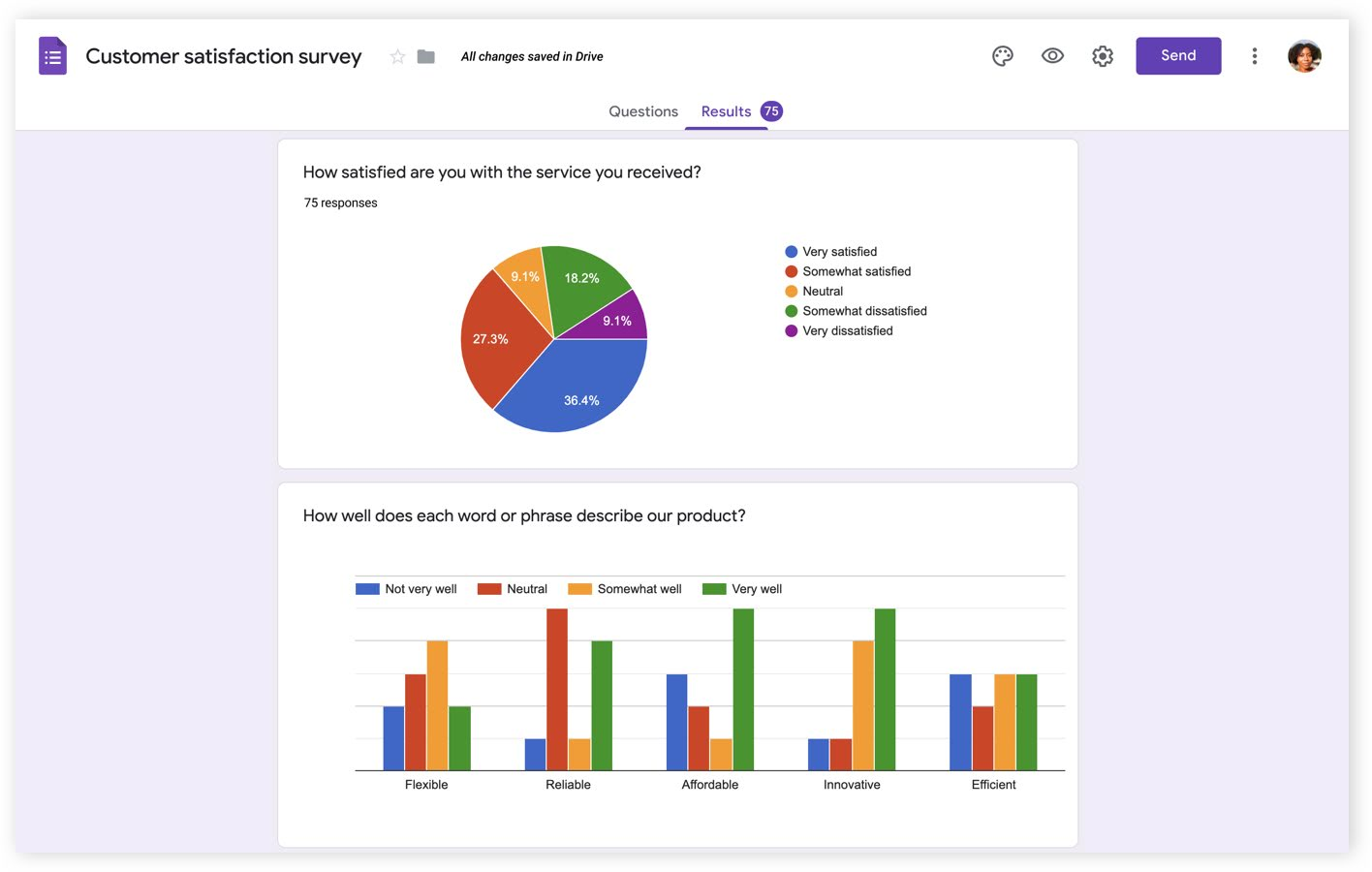
Image source: Google
Where it earns its place:
- Zero cost for everyone. Free with any Google account, with no cap on forms, questions, or responses.
- Live data in Sheets. Responses land in a spreadsheet you can pivot, chart, and connect to anything, with no export step.
- Quiz and grading mode. Point values, correct answers, and automatic grading are built in and free.
- Suite-level governance. On a paid Workspace plan, Forms inherits the same Google Groups, admin console, and Vault retention that govern the rest of your data.
Where it costs you:
- Branching is shallow. Forms jump between sections, with no true per-answer conditional logic.
- No native payments. Collecting money requires a third-party add-on.
- Design control is minimal. A header image and an accent color, with no custom fonts or layout.
- Analytics stop at summaries. Pie and bar charts only; anything deeper means building it in Sheets.
Google Forms stop being enough the moment a form needs true per-answer logic, a payment, a measurable completion-rate lift, or research-grade analysis. Those four needs are what the paid tools sell.
Jotform: best for payments, conditional logic, and document workflows
Jotform treats the form as the front end of a workflow. The same builder that captures a response can take a payment, collect a signature, generate a PDF, and route the result through an approval. That breadth is why a single Jotform account often replaces several point tools across HR, finance, and operations.
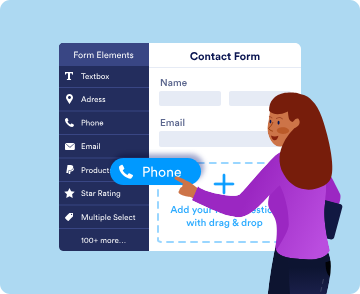
Image source: Jotform
Where it earns its place:
- Deep conditional logic. Per-answer branching, calculations, and dynamic fields that Forms cannot match.
- Payments built in. Stripe, PayPal, Square, and many other gateways connect directly to a form.
- E-signatures and PDFs. Signed documents and form-to-PDF generation run inside the tool.
- Large template library. More than 20,000 prebuilt forms shorten setup for common workflows.
Where it costs you:
- The free plan fills fast. Jotform’s free Starter plan caps at 5 forms and 100 submissions a month, which an active form exhausts quickly.
- The interface is dense. More power means a steeper learning curve than Forms or Typeform.
- HIPAA sits at the top tiers. HIPAA compliance features are available only on Jotform’s Gold and Enterprise plans, not the lower paid tiers.
Jotform earns its price the moment a form needs to take a payment, capture a signature, or route regulated intake with the controls Forms does not provide.
Typeform: best for branded, conversational forms with high completion
Typeform is built around respondent experience. It presents one question at a time in a branded, animated format, and that format is the product. The pitch is that a better experience produces higher completion and cleaner responses, which matters on the forms where each completion has direct monetary value.
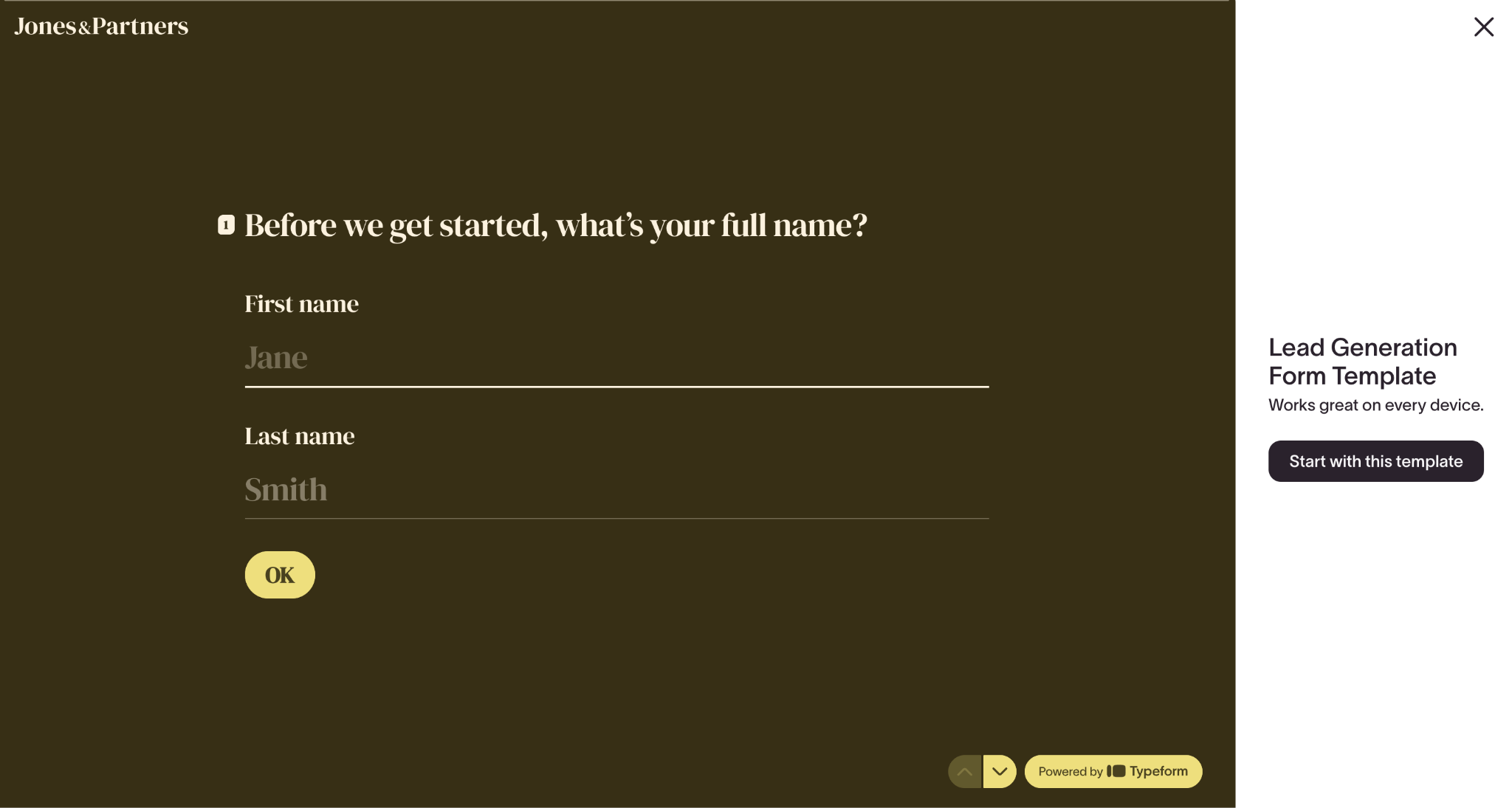
Image source: Typeform
Where it earns its place:
- Higher reported completion. Typeform says three out of four of its customers report higher completion rates after switching, an advantage it attributes to the one-question-at-a-time format.
- Strongest design control. Custom fonts, full-bleed images, video, and brand-consistent styling that look like a polished web app.
- Native marketing integrations. Direct connections to CRM and marketing tools, without middleware.
Where it costs you:
- The free plan is a preview. It allows 10 responses a month with a 10-question limit, which makes a paid plan effectively required for real use.
- Cost climbs with volume. Pricing scales by response count, so a high-traffic form gets expensive.
- Completion is not data quality. The conversational format can raise completion while encouraging rushed, shallow answers on longer forms.
Typeform earns its price on customer-facing forms where a measurable completion-rate lift converts to revenue, and rarely on internal or low-stakes forms.
SurveyMonkey: best for research-grade surveys and analysis
SurveyMonkey is a research platform rather than a form builder. Its value sits in the methodology and the analysis: validated question banks, statistical tooling, and reporting built to turn responses into defensible findings. That is worth paying for when the output of a survey informs a crucial decision.
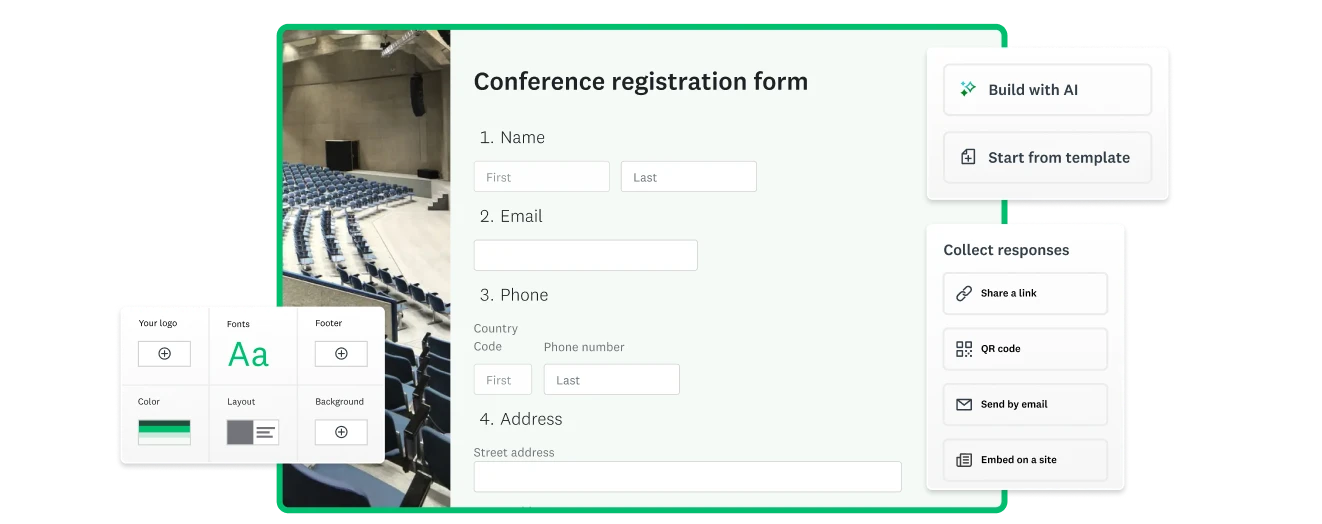
Image source: Surveymonkey
Where it earns its place:
- Analysis depth. Crosstabs, filtering, sentiment analysis, and benchmarking that Forms and Typeform do not offer.
- Methodology tooling. Question banks and 400+ templates written to reduce bias in the questions themselves.
- Distribution options. Email, link, embed, and other channels managed from one place.
Where it costs you:
- The free plan barely functions. The free Basic plan caps each survey at 10 questions and 25 responses, with no data export.
- Value is paywalled. Logic, branding, and the analytics that justify the tool all sit behind paid plans.
- Team plans carry a floor. The entry team plan requires a three-user minimum on annual billing, so the real starting cost is several times the per-seat sticker.
SurveyMonkey earns its price when a survey informs a hiring, budget, or product decision and the quality of the questions and the analysis has to hold up.
Google Forms vs Jotform vs Typeform vs SurveyMonkey: full comparison table for 2026
This table consolidates every dimension the standard comparisons use, plus the admin, data-ownership, and incremental-cost rows most of them skip. Prices reflect each vendor’s own pricing page as of June 2026 and move with promotions and billing cycle.
| Dimension | Google Forms | Jotform | Typeform | SurveyMonkey |
| Built around | Free utility, responses into Sheets | Workflow builder, form as front end | Conversational, one question at a time | Research platform, survey methodology |
| Best for | Everyday internal and basic external collection | Payments, signatures, regulated intake, logic | Customer-facing forms tied to revenue | Research-grade surveys and analysis |
| Entry paid price | $0 for Forms itself | From $19.50/mo (Bronze, billed annually) | From $28/mo (Basic, billed annually), 100 responses/mo | From ~$30/user/mo (Team Advantage, annual, 3-user min) |
| Free-tier ceiling | No cap on forms, questions, responses | 5 forms, 100 submissions/mo | 10 responses/mo, 10 questions/form | 10 questions and 25 responses per survey |
| Annual cost at ~1,000 responses per month | $0 | $234/yr (Bronze) | $672/yr (Plus) | $1,080/yr (Team Advantage, 3-seat floor) |
| Conditional logic | Section jumps only | Deep per-answer logic and calculations | Logic jumps and branching (paid) | Skip and display logic (paid) |
| Design and branding | Header image and accent color | Themes and custom CSS | Strongest in group: fonts, video, full branding | Templates and branding; white-label (paid) |
| Respondent experience | Plain, functional | Standard multi-field | Conversational, highest reported completion | Standard survey experience |
| Templates | Small built-in set | 20,000+ templates | Large template library | 400+ templates |
| Analytics and reporting | Basic pie and bar; export to Sheets | Basic reports and export | Summary metrics and drop-off | Crosstabs, filtering, sentiment, benchmarking |
| Payment collection | No (add-on only) | Yes; Stripe, PayPal, Square, and many gateways | Yes (Stripe, paid) | Limited, via integration |
| E-signatures | No | Yes | No | No |
| Integrations | Native Google; others via Zapier or Make | 150+ native integrations | Native CRM and marketing | Native integrations (plan-dependent) |
| Data export | Live to Google Sheets | CSV, Excel, PDF; Sheets via integration | CSV, Sheets; manual or integration | CSV, PDF (paid); no export on free |
| AI features | Gemini in Workspace (paid plans) | AI form builder and AI Agents | AI form builder | AI survey builder and sentiment analysis |
| HIPAA and compliance | Covered under Workspace BAA on paid plans; free accounts not eligible | HIPAA features on Gold and Enterprise plans (with BAA) | Enterprise plan | Higher and enterprise tiers |
| Admin and central governance | Google Admin console, Groups, OUs (Workspace) | Team and enterprise admin (paid) | Org and team admin (paid) | Team and enterprise admin (paid) |
| Data ownership on offboarding | Admin transfers ownership; data stays in Workspace | Account-bound; reassign the seat | Account-bound; reassign the seat | Account-bound; reassign the seat |
| Access control | Suite-level Workspace controls and audit logs | Access controls; logging on HIPAA tiers | Access controls (paid) | Access controls (paid and enterprise) |
| Best-fit owner | Any team on Google; ops or IT governed | Ops, HR, finance, regulated intake | Marketing, growth, product | Research, CX, people analytics |
How to choose a business form tool: the factors that actually decide it
The right tool falls out of four questions about your own forms, weighted for your situation. None of them is a feature count.
The job the form is doing
A form that collects information for your own team has different requirements from a form that takes money, and both differ from a survey whose results inform a decision.
Internal data collection is the job Google Forms was built for and does for free. Payments, signatures, and approval routing are Jotform’s job. A revenue-attached, customer-facing form is Typeform’s job. A decision-grade survey is SurveyMonkey’s job.
Match the tool to the job, and the cost question gets simpler, because you are paying for one capability rather than a bundle you mostly will not use.
Cost at your real volume
List price is not your cost. Three of these four charge you based on usage, and the volume sets the bill (annual billing, June 2026):
- Google Forms: $0 at any volume. No response cap, no per-seat charge. Every figure below is measured against this.
- Typeform: bills by response, and the cap is a hard wall. Plus ($672/yr) covers 1,000 responses a month; a lead form doing ~1,800 clears that and forces Business at $1,092/yr. Worth it only if the completion lift returns more than that in revenue, which on an internal form it never does.
- Jotform: bills by monthly submissions, single-user until Enterprise. Bronze $234/yr (1,000/mo), Silver $294/yr (2,500/mo), Gold $774/yr (10,000/mo, adds HIPAA).
- SurveyMonkey: the $30/user sticker hides a three-seat annual minimum, so the real floor is $1,080/yr for 50,000 responses, then $0.15 each over. One researcher still pays for three seats.
The mistake this category punishes is running forms a free tool handles on a metered paid one. Put the all-hands RSVP on the Typeform seat you bought for marketing and it eats the response allowance you bought for revenue forms.
Admin control and data ownership
Where the responses live decides who can govern them and what happens when the owner leaves. Data collected in Forms stays inside Workspace, under the admin console, Groups, and Vault retention you already run, and you can apply the same controls covered in our guide to file sensitivity classification in Google Workspace.
An employee’s forms transfer to a new owner in the same action that suspends their account. Data collected in a third-party tool sits in that vendor’s account, bound to whoever set it up, which adds a line to every offboarding checklist and a second permission model to maintain. For a single marketing form, that is a fair trade. For company-wide standardization, it is a real cost.
Compliance and exit
Two facts settle the regulated cases. Google Forms is a covered service under the Google Workspace Business Associate Agreement, but only on paid Workspace plans, and a team with no signed BAA cannot put protected health information through it at all. Jotform offers HIPAA features on its Gold and Enterprise plans, built for exactly this.
On exit, the question is how cleanly your responses and their structure leave the tool, since a survey history locked in a vendor’s format is a cost you pay later. Price both the compliance fit and the exit before you buy, not after.
Which form tool should you choose for your business in 2026?
The recommendation is a set of if/then calls. Most everyday collections land on Google Forms because it is free and sufficient. The cases that justify paying are specific, and they are worth naming.
If your forms are internal and routine: Google Forms
Team surveys, event RSVPs, meeting polls, request intake, quizzes, and basic external forms all run in Forms at zero cost, with responses in Sheets for any analysis you want. A 120-person company can run dozens of these without paying for a form tool at all. If a form in this set later needs a capability Forms lacks, you will know which one, and you will have spent nothing finding out.
If a form’s completion rate drives revenue: Typeform
When a form is a paid-acquisition landing page, a product-feedback flow, or any customer-facing touchpoint where a higher completion rate converts to money, Typeform’s format pays for itself on that form. The test is whether the completion lift is quantifiable in revenue. If it is, buy Typeform for those forms. If the form is internal, the lift is irrelevant and the cost is not justified.
If you collect payments or signatures: Jotform
A registration form that takes a fee, an order form, a consent form that needs a signature, or an intake form that routes for approval is Jotform’s core job, and Google Forms cannot do any of it natively. The moment money or a signature is involved, Jotform earns its plan.
If your survey informs a decision: SurveyMonkey
When survey output feeds a hiring decision, a budget, a product roadmap, or published research, the quality of the questions and the depth of the analysis matter, and that is what SurveyMonkey sells. For an occasional internal pulse check, Google Forms plus Sheets is enough. For recurring, decision-grade research, SurveyMonkey is the tool.
If you collect health data: Jotform’s Gold or Enterprise plan, with one caveat for Google Forms
For any form touching protected health information, Jotform’s HIPAA-enabled Gold or Enterprise plan is the cleaner default, with a BAA and the access controls regulated intake requires. Google Forms can be used for HIPAA workflows, but only on a paid Workspace plan with a signed BAA, and because it was not purpose-built for PHI it lacks the field-level handling dedicated tools provide, so confirm it against your audit requirements before relying on it.
If you are standardizing for a 50 to 400 person company: Google Forms as the default
For company-wide standardization, make Forms the free default for everyday collection, then add one specialized tool for the single team with a named reason above. Buying Typeform, Jotform, or SurveyMonkey for the whole company to serve one team’s use case means paying per seat or per response for data collection Forms already does for free.
Get expert embedding Google Forms with Revolgy
If you have decided Google Forms and the wider Workspace stack are the right baseline for your team but are not sure how to govern them at scale, Revolgy can help.
Revolgy is a certified Google Cloud Premier Partner that deploys and manages Workspace environments across the globe, including knowledge architecture, security configuration, and Gemini adoption.
- Data collection audit: Know what you are actually running before you standardize. Revolgy experts map where your forms live, who owns them, and which ones collect sensitive or regulated data, then flag the forms that need a paid or HIPAA-ready tool versus the ones Forms already covers for free.
- Permissions and retention setup: Govern form data with the controls you already run. Engineers build the Google Groups access model, Drive sharing rules, and Vault retention so every response inherits your existing policies, and form ownership transfers in the same action that suspends a departing employee’s account.
- Gemini and workflow activation: Use the AI your license already includes. Revolgy configures Gemini across Forms, Docs, and Drive, and sets up Apps Script routing for the workflows that outgrow what Forms does natively.


FAQs about Google Forms vs Jotform vs Typeform vs SurveyMonkey
Is Google Forms free for business use?
Google Forms is free for anyone with a Google account, with unlimited forms, questions, and responses at no cost. On a paid Google Workspace plan it also inherits the admin console, Groups-based access, and Vault retention that govern the rest of your data, but the form builder itself carries no separate charge.
When should you upgrade from Google Forms to a paid form tool?
You should upgrade when a form hits one of four needs Forms cannot meet natively: deep per-answer conditional logic, payment or signature collection, a measurable completion-rate lift on a revenue-attached form, or research-grade analysis. If a form needs none of these, Google Forms already covers it, and a paid plan adds cost without adding capability.
Which form tool has the best completion rates?
Typeform is the strongest in this group on completion. It says three out of four of its customers report higher completion rates after switching, an advantage it attributes to its one-question-at-a-time format. That edge matters most on customer-facing forms where each completion has direct monetary value, and far less on internal forms that people complete regardless of design.
Is Google Forms HIPAA compliant?
Google Forms is a covered service under the Google Workspace Business Associate Agreement, but only on a paid Workspace plan with a signed BAA, and free Google accounts cannot be used to collect protected health information. Because Forms was not purpose-built for PHI workflows, many healthcare teams use a dedicated HIPAA tool such as Jotform’s Gold or Enterprise plan instead.
What is the best form tool for a whole company to standardize on?
For most companies, Google Forms is the right free default to standardize on for everyday data collection, with one specialized paid tool added only for the team that needs payments, conversational lead capture, or research-grade analysis. Standardizing the whole company on a paid tool to serve a single use case means paying for capability the rest of the team will not use.

.webp)
